How to Sign and Negotiate Online: A B2B Seller’s Guide

The fastest way to negotiate and sign a B2B deal online is to keep the draft, the comments, the approvals and the signature in one place, with one record of who agreed to what. Most deals don’t stall because the buyer says no. They stall in the gap between the last call and the signature, when your champion has to re-sell the terms to people who weren’t there. We built TrailerCast for that gap: one workspace carries the deal from the first call through embedded eSignature and handoff.
This guide is for SaaS sellers, sales engineers and solutions consultants who get pulled into the paper stage. It covers the workflow, the internal approvals, what makes an e-signature hold up in the U.S., and the mistakes that cost deals.
TL;DR
- Online negotiation works when you treat it as a sequence: draft, comments, internal approval, external review, signature, delivery. Each stage needs a record.
- Separate internal discussion from what the buyer sees. Mixing them is the most common way a sensitive note ends up in front of the wrong person.
- In the U.S., an electronic signature is generally valid for business contracts, with a short list of exceptions such as wills and certain family-law and court documents.
- The deal is not closed when the signature lands. Review, execution and delivery of the signed copy are three separate things to prove.
- Doing this inside the same workspace as your calls and demos keeps the context your buyer needs. TrailerCast starts at $59 per month per seat, with every feature on one plan.
Table of Contents
- What “signing and negotiating online” really involves
- Why online negotiation breaks down in B2B deals
- A workable online negotiation workflow, step by step
- What makes an electronic signature hold up in the U.S.
- Security and recordkeeping buyers will ask about
- A worked example: a three-stakeholder deal
- Mistakes that cost deals at the paper stage
- Where TrailerCast fits
- Our perspective
- FAQ
- Sources
What “signing and negotiating online” really involves
People search this phrase expecting a signature button. The signature is the last ten seconds of a process that usually runs days or weeks. Academic work on digital contract negotiation describes the full loop: identify the clause attributes and actions, collaborate internally and externally, automate review and escalation, assemble the final contract for signature, and keep the negotiation history.
For a seller, that translates into five jobs:
- Get a draft in front of the buyer that matches what was promised on the calls.
- Collect comments and redlines without losing track of which version is current.
- Route any concession through your own approvers fast enough that the buyer’s momentum survives.
- Collect signatures from everyone who has to sign.
- Make sure everyone ends up with the executed copy, and that the next team knows what was agreed.
Notice that only one of those is about signing. The other four are about people, context and speed, which is where sales teams actually lose deals.
Why online negotiation breaks down in B2B deals
In a multi-stakeholder deal, the person who loved your demo is rarely the person who signs. The CFO wants the price and payment terms. Security wants answers on data handling. Legal wants the liability language. None of them sat through your call.
So your champion becomes your messenger. They forward a PDF, paraphrase your pitch from memory and hope. The deal dies in an internal meeting you weren’t part of. Online tooling should shrink that risk, and it only does if it keeps the buyer’s questions and your answers attached to the deal rather than scattered across email threads.
Three patterns show up again and again:
- Version sprawl. Three people edit three copies. Nobody can say which has the agreed payment terms.
- Hidden approvals. A discount is agreed verbally, but the approver hears about it a week later.
- Lost reasoning. The signed contract says what was agreed, but not why, and the customer success manager inherits a promise nobody documented.
A workable online negotiation workflow, step by step
Here is the routine, with the place each step tends to go wrong.
Step 1: Prepare the draft from the deal, not from a template alone
Start with your standard paper, then adjust it to what the buyer asked for on the calls: term length, seat count, security addenda, data processing terms. The common mistake is drafting from memory. Pull the commitments from your call notes and the written follow-up so the first draft already reflects what the buyer heard.
In TrailerCast, the Deal Brief builds across every call in the opportunity, so the details you promised in discovery are still in front of you when the paper goes out.
Step 2: Decide what is negotiable before the buyer asks
Write down, for yourself and your manager, which clauses have fixed positions, which have a fallback and which need escalation. Research on digital negotiation treats this as data: clause attributes, plus records of who reviewed a clause, what language was proposed and who approved it. Even a simple spreadsheet version of that beats improvising while a buyer waits.
Step 3: Keep internal and external review separate
Your internal comments (“we can go to 60 days if they commit to two years”) must never share a thread with the buyer. The same Stanford-linked research recommends separating internal from external redlines and keeping a timestamped discussion record of progress and outstanding tasks. Practically: one place for what the buyer sees, another for what your team debates, and a clear owner for each open term.
Step 4: Route approvals before you reply
Most slow deals are slow on the seller’s side. A discount request sits with a VP who is traveling, and the buyer reads silence as hesitation. Decide in advance who approves what, set a response window, and tell the buyer when to expect an answer. Our guide on who signs off on a sales contract and how to speed it up lays out the approver map in more detail.
Step 5: Control versions
Pick one live document. When someone sends a Word file back by email, merge their changes into the live version the same day and tell the buyer you did. Name milestone versions (“v3, after legal review”) so anyone can return to a known state. The point is that when the CFO asks “what changed since last week,” you have an answer in seconds.
Step 6: Re-sell the terms to the people who weren’t there
This is the step most workflows skip. When a new stakeholder joins at the paper stage, send them something built for them, not the whole recording. TrailerCast turns a demo recording into a short trailer, and can personalize it per stakeholder: pricing for a CFO, security for a CISO. Our buyer portal puts those materials in one place so your champion isn’t carrying the pitch alone.
Step 7: Send for signature from where the deal already lives
Once terms are final, signing should not require a new tool, a new login and a new email chain. We built embedded eSignature into the same workspace as the calls and the deal room, so the signing step is part of the deal rather than a detour from it. For a walkthrough of the full routine, see our electronic signature workflow guide and the 7-step eSignature workflow for sales teams.
Step 8: Deliver and hand off
Signing is not delivery. Make sure every signer gets the fully executed copy, and that the customer success team receives the context behind the paper. Our handoff brief is generated by AI from the deal history, so the person who inherits the account doesn’t start from a PDF.
What makes an electronic signature hold up in the U.S.
You don’t need a law degree to sell, but you do need to know the rules well enough to answer a buyer’s procurement team. In short: the federal E-SIGN Act and the state-level UETA make electronic signatures broadly effective for commercial contracts. Our explainer on UETA vs. ESIGN for sales teams walks through how the two fit together, and our page on whether electronic signatures are legal in the United States covers the basics.
Intent, consent and records
The practical ingredients are the same in almost every guide: clear intent to sign, consent to do business electronically, a retained record that accurately reflects the agreement, and a copy for every signer. The American Bar Association’s business law committee, in its MAC Digital Documentation Protocol, sets four safeguards for digital execution: complete documents available for review, confirmation that signatories reviewed them, electronic execution according to applicable law, and clearly established delivery.
The useful insight there is that review, execution and delivery are distinct stages. A captured signature alone doesn’t prove the other two, so keep evidence of each: when the document was opened, who signed, and when the executed copy went out.

Email can be enough, which is why you should be careful
Courts have sometimes treated informal exchanges as signed. A January to February 2025 update from a law firm reports that a Texas appellate court treated an email exchange with typed names and express assent as a signed settlement agreement, in a specific Rule 11 context under Texas law. For sellers the lesson is practical rather than legal: a casual “sounds good, you can put my name on it” can carry more weight than you intended. Keep negotiation emails clearly labeled as subject to a final signed agreement, and confirm with your own counsel how that works in your deals.
Documents that still need special handling
Some document types may require wet signatures or special procedures in some jurisdictions, such as wills, some real-estate instruments, family-law papers and certain court documents, according to a March 2024 legal guide from Clio. Standard SaaS order forms and master agreements aren’t in that group, but if a deal bundles in something unusual, such as a real-property lease or a state-specific notice, ask your lawyer before sending it for e-signature.
E-signature versus digital signature
Procurement teams sometimes use these terms interchangeably. They aren’t the same: an e-signature is the broad category, while a digital signature uses certificate-based cryptography to bind the signer to the document. If a buyer asks which one you offer, our comparison of e-signature vs. digital signature gives you the answer in sales language.
Security and recordkeeping buyers will ask about
Expect questions from security and legal before they approve a signing flow. A good answer covers four things:
- Who signed: authentication appropriate to the deal’s risk, with stronger verification for higher-value contracts.
- What they signed: a record that shows the exact version, reproducible later.
- When and where: timestamps and an audit trail of actions by people and automated processes. The Stanford-hosted research recommends preserving a permanent record of contract requests, clause attributes and actions.
- Where it lives afterward: every signer holds the executed copy, and your team can find it in one place.
If the security reviewer wants specifics about our platform, send them our security page early, in parallel with the contract rather than after it. Security reviews that start at the paper stage are a classic source of two-week delays.
A worked example: a three-stakeholder deal
Picture a 40-person SaaS company buying a platform for its sales team. You ran discovery with the VP of Sales. She loved the demo, and she is your champion. Two weeks later she tells you the CFO and the head of IT must approve.
Here is how the online routine plays out:
- Day 1. You send the draft order form with the terms from the calls: 12 seats, annual term, the security addendum the VP asked for.
- Day 2. The CFO’s only comment is on payment terms. You can’t concede alone, so the request goes to your sales manager with the deal context attached. You promise the buyer an answer within one business day.
- Day 3. IT has questions about data handling. You send the security page and a short stakeholder-specific trailer so IT doesn’t have to watch a 45-minute recording.
- Day 4. Terms are final. You lock the version, send it for signature to the CFO and the VP, and both sign in the same flow.
- Day 5. Executed copies go to both signers, and the customer success manager receives a handoff brief covering what was promised and why.
Nothing in that sequence required a heroic effort. It required that nobody had to hunt for context, and that no step waited on a person who didn’t know it was waiting.
Mistakes that cost deals at the paper stage
- Sending the contract cold. A contract arriving without a call or a note to frame it reads as a demand. Walk the champion through what’s in it first.
- Negotiating by email chain. The thread forks, someone is dropped, and the most recent message isn’t the agreed version.
- Letting approvals run on the buyer’s clock. Your response time is the one variable you control.
- Treating the signature as the finish. The ABA protocol’s point stands: you also have to show review and delivery.
- Skipping handoff. A signed deal without context is a churn risk waiting for its first support ticket.
Where TrailerCast fits
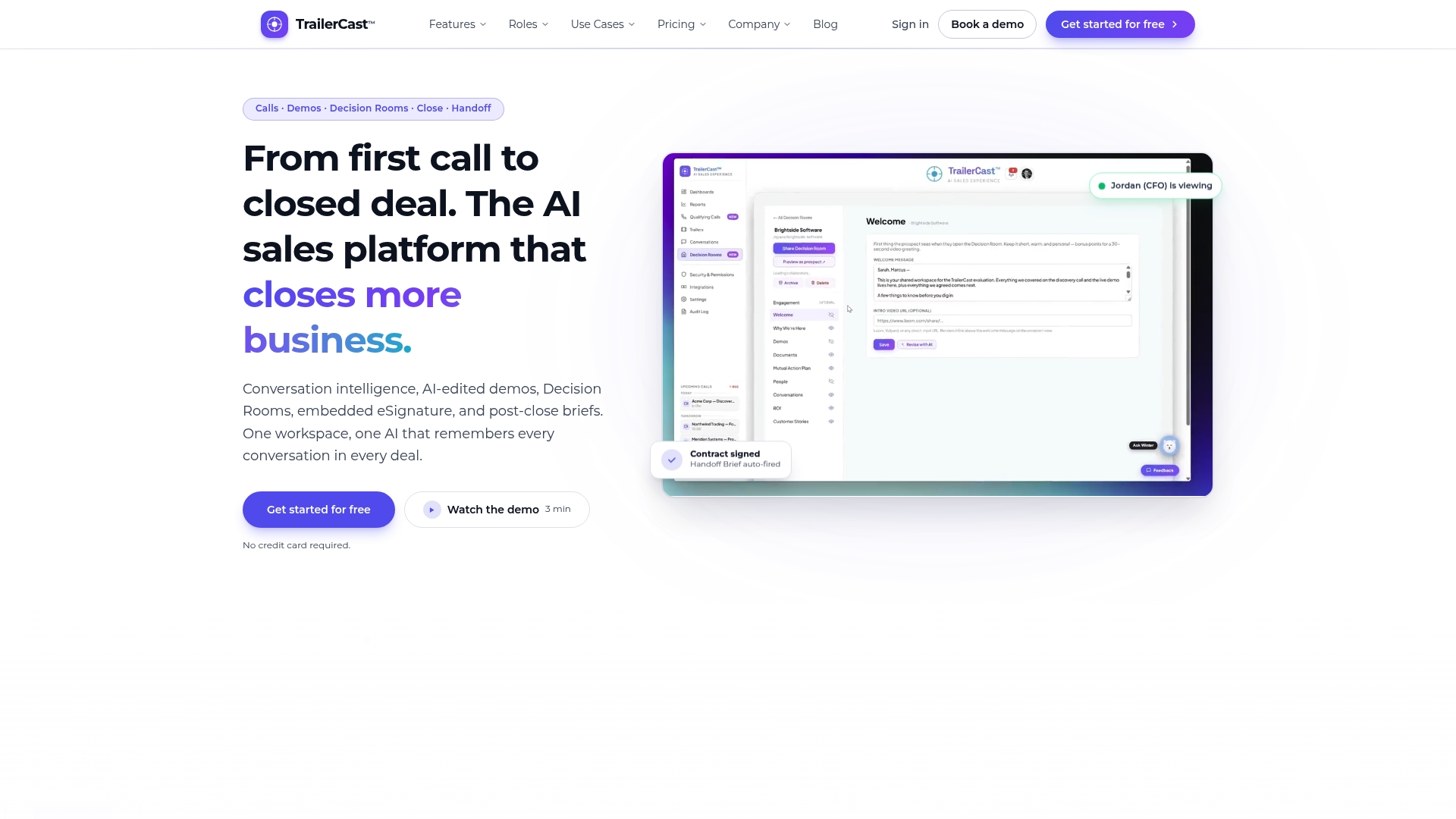
If your current routine involves a call recorder, a video tool, a shared drive, a separate signature app and a handoff doc, you’re paying a context tax at every switch. TrailerCast replaces those five disconnected tools with one workspace where every deal lives. An AI notetaker joins your Zoom, Meet and Teams calls and builds a Deal Brief that spans the whole opportunity. AI-edited demo trailers give your champion something to forward. Buyer-facing Decision Rooms, with engagement analytics, hold what each stakeholder needs. Embedded eSignature closes the deal, and an AI-generated handoff brief passes the context to the team that serves the customer.
Pricing is simple: one plan with every feature, from $59 per month per seat. You can see it on the plan page, or see how the stages connect on our use cases page.
If your deals regularly lose momentum between the last call and the signature, start with contract signing in TrailerCast and run your next deal through it end to end.
Our perspective
I built TrailerCast because I kept watching good deals die in the space between conversations. The calls were never the problem. The champion left a great demo, walked back to a CFO who wasn’t there, and tried to re-sell the whole thing from memory with a PDF.
That is why I don’t think of negotiating and signing online as a signature problem. It is a context problem. Every comment, every concession and every promise belongs to one deal, and the people reading the paper at the end should be able to see how the deal got there.
When we put calls, demo trailers, decision rooms, eSignature and handoff in one workspace, the point wasn’t to have fewer logins. It was so one AI could follow the whole opportunity and nothing had to be re-explained at the worst possible moment. One plan, every feature, so a team never has to decide which stage of the deal doesn’t get the good tool.
If you take one thing from this guide: run your paper stage with the same care you gave discovery.
Daniel
FAQ
Is an electronic signature legally binding on a B2B contract in the U.S.?
Generally yes. Federal law (E-SIGN) and state law (UETA) give electronic signatures broad effect for commercial contracts, with exceptions such as wills, certain family-law matters and some court documents. Our UETA vs. ESIGN guide explains how they work together. For unusual contract types, confirm with your own counsel.
Can we negotiate by email and sign later?
Yes, and that is how many deals run. Be aware that an email exchange showing typed names and clear assent has been treated by at least one Texas appellate court as a signed agreement. Label negotiation emails as subject to a final signed contract, and move the final terms into one controlled document.
What should we keep after the deal is signed?
Keep the executed contract, the version history, the record of who reviewed and approved changes, and signing timestamps. The ABA’s protocol stresses showing review, execution and delivery as separate stages, so keep proof that each signer received the final copy.
How do we stop approvals from slowing the buyer down?
Agree internally who approves which concessions, set a response window, and tell the buyer when to expect answers. Attach the deal context to every approval request so approvers don’t have to ask for it.
What happens after the signature?
The account moves to customer success. A short handoff with what was promised, who the stakeholders are and why they bought prevents the new owner from starting cold. A customer handoff template is a good starting point.
Sources
- Using Digital Contract Negotiations to Build a Brighter Future (Stanford Law)
- The MAC Digital Documentation Protocol (American Bar Association)
- eSignature and ePayment News and Trends, Jan-Feb 2025 (DLA Piper)
- Electronic Signatures 101: Are they Legal? (Clio)