Electronic Signature Workflow: How to Build One That Closes Deals

An electronic signature workflow is the defined path a document takes from draft to signed and stored: who gets it, in what order, what they can change, how you follow up, and where the finished record ends up. For a sales team, the goal is simple. The contract should never sit in someone’s inbox while the deal quietly goes cold.
Below, I walk through the stages, how to set signer order and templates, how to track and chase, how to connect the workflow to your CRM, and what the US rules actually require.
TL;DR
- A good e-signature workflow has six stages: create, share, access, review, sign, store. Define each one before you send your first contract.
- Decide signers, signing order and templates up front. Most stalled signatures trace back to a missing approver, not to the software.
- Turn on reminders and watch status. A rejected or unopened request should reach you the same day.
- In the US, an electronic signature can’t be denied legal effect just because it’s electronic. Consumer deals add consent rules.
- Keep the signed PDF and audit trail in your system of record, and keep signing inside the deal so nothing gets lost between calls.
Table of Contents
- What an electronic signature workflow actually is
- The six stages, with what to decide at each
- Set signer order, templates and conditional steps
- Track completion, send reminders, handle declines
- Why the signing step belongs inside the deal
- Connect the workflow to your CRM and sales stack
- Is it legally valid? The US basics
- Recordkeeping and security: finish the job
- A worked example: a 30-day deal, start to finish
- Our perspective
- Run the whole workflow in one place
- FAQ
- Sources
What an electronic signature workflow actually is
Adobe describes an e-signature workflow as a way of customizing how signatures and documents are collected, so the right documents are reviewed and signed by the right people in the right sequence. The stages it lists are creating a document, sharing it, accessing it, reviewing it, signing it, and storing the signed copy.
That list is useful because it shows where deals really break. Sellers obsess over “sign” and ignore the stages around it. In practice:
- Create: the wrong template, an outdated price, a missing exhibit.
- Share: the document goes to your champion, who was never the signer.
- Access: the link lands in a spam folder or forwards to someone who can’t open it.
- Review: legal, security or finance wants changes, and nobody owns the redline.
- Sign: a second or third signer is out for a week.
- Store: the signed copy lives in one inbox, and finance can’t find it at renewal.
If you’ve ever lost a week to “I thought procurement had it,” you know this is where the work is.
The six stages, with what to decide at each
1. Create: freeze the content before it goes out
Best practice is to lock a document’s content before issuing it for signature, so nobody signs a version that later changes. URBLD’s guidance also recommends giving each signer a unique access link rather than shared access, which keeps every signature attributable to one person.
For sales, that means one approved order form template, pricing and discount approvals done before the document is generated, and no “quick edit” after sending. If terms change, void and reissue.

2. Share: send it to the signer, not just the champion
Your champion rarely signs. The CFO, a VP or a legal officer does. Name the real signer in your mutual plan early, ideally in the first or second call, and send the agreement to that person with context attached, not as a cold PDF.
3. Access: make opening it effortless
In Google’s own eSignature feature, for example, you add signature fields, enter signer emails and request signatures, and recipients get an emailed link to the document. Every tool works roughly this way. The point: the signer should get from email to signature in a couple of clicks, on a phone if needed, without creating an account.
4. Review: decide who handles questions
Signers ask things. What does the termination clause mean? Where’s the security addendum? If answers live in a call recording nobody rewatches, the signature waits. Put the answers beside the document: a short summary, the relevant demo clip, the security FAQ. This is the gap between conversations that we built TrailerCast around.
5. Sign: set the order on purpose
See the next section.
6. Store: finish the record
See the recordkeeping section below.
Set signer order, templates and conditional steps
TechTarget’s e-signature best-practices piece starts with governance: identify approved signers and their signing order, and catalog your templates, including where they live, who can change them and how they’re versioned. It also recommends defining authorized signers, approved signature types and pilot documents to manage risk.
Translate that to a sales team:
| Decision | What to settle | Typical owner |
|---|---|---|
| Authorized signers | Who can sign for your company, up to what contract value | Finance or legal |
| Customer signer | Title and authority of the person signing on their side | Rep, confirmed with champion |
| Signing order | Customer first or you first; sequential or parallel | RevOps |
| Templates | Order form, MSA, NDA, renewal, each with a version number | Legal and RevOps |
| Conditional steps | Extra approval when discount exceeds a threshold or terms are non-standard | Sales leadership |
Sequential or parallel?
Use sequential routing when the second signature depends on the first, for example when your customer’s legal approver must sign before an executive countersigns. Use parallel routing when signatures are independent, such as two co-signers on the buyer side. If you aren’t sure, go sequential. It’s slower on paper but cleaner in the audit trail.
Keep approvals out of the signature step
Internal approvals (pricing, legal redlines) belong before the document is sent. Our guide on who signs off on a sales contract and how to speed it up covers that stage in detail. A signature request should be the last mile, not the place where you discover nobody approved the discount.
Track completion, send reminders, handle declines
A workflow without follow-up is just a delivery system. Build these habits in:
- Check status daily on open contracts. Know who has opened, who hasn’t, and who’s signed.
- Turn on automatic reminders. In Google’s eSignature, you can enable reminders every three days for up to nine days or until signing is complete. Whatever tool you use, pick a cadence so nobody has to remember to nag.
- Treat a decline as a conversation. In that same tool, a rejected request notifies the requester. Call the signer, find the objection, fix the document and reissue.
- Follow up with substance. “Just checking in” doesn’t move a CFO. A short recap of what was agreed, with the one clip that answers their likely question, does. Our AI follow-up emails draft those from the call itself.
When an unsigned contract goes quiet, the cause is usually a stakeholder who wasn’t on the calls. Which brings us to the buyer’s side of the workflow.
Why the signing step belongs inside the deal
Most teams bolt a standalone signature app onto the end of the sales process. The contract goes out from one tool, the questions come back through email, the demo recording sits in another system, and the handoff to customer success starts from scratch. Every seam is a place for a deal to stall.
Embedding signing in the same workspace as the buyer’s materials fixes that. The signer sees the agreement next to the trailer, the summary and the security answers, and you see engagement signals before you ever send a nudge. We wrote about the practical upside in why in-app signing wins, and the embedded eSignature use case shows how the signed contract flows straight into an AI-generated handoff brief.
If you want the sales-specific version of this workflow as a checklist, see our 7-step eSignature workflow for sales teams.

Connect the workflow to your CRM and sales stack
A signature that doesn’t update your CRM creates manual work for someone, and that someone is usually a rep at 6 p.m. on the last day of the quarter. TechTarget notes that e-signature tools can integrate with ERP and CRM systems and other line-of-business applications. Aim for these touchpoints:
- Trigger: moving an opportunity to a “contract sent” stage generates the document from the template, with fields pre-filled from the CRM record.
- Status sync: viewed, signed and declined events write back to the opportunity.
- Closed-won: the signed PDF attaches to the account, and the stage changes without a human step.
- Handoff: the context the rep gathered (stakeholders, commitments, risks) goes to onboarding with the contract.
If your team is wiring forms and signing into existing systems itself, this walkthrough on connecting website forms to your CRM shows how the data plumbing works.
Is it legally valid? The US basics
Short answer: yes, in the United States, with a few conditions. Under the federal ESIGN Act, a signature or contract affecting interstate or foreign commerce may not be denied legal effect, validity or enforceability solely because it is electronic. That’s the rule that makes the whole workflow viable for B2B contracts.
Two practical points:
- Consumer transactions have extra steps. When a law requires information to be provided to a consumer in writing, electronic delivery requires the consumer’s affirmative consent and clear disclosures, including paper-copy and withdrawal rights, per the same statute. Most B2B sales contracts aren’t consumer transactions, but if you sell to individuals or sole proprietors, confirm with your counsel.
- Some industries have their own rules. For instance, federal motor carrier regulations allow electronic documents and signatures if they accurately reflect the required information, can be retained and reproduced, and include proof of consent. If you sell into a regulated sector, ask your legal team which rules apply to your customer’s paperwork.
State law (UETA in most states) sits alongside ESIGN. Our breakdown of UETA vs. ESIGN for sales teams explains how they fit together, and e-signature vs. digital signature clears up a term people mix up constantly. For questions about a specific contract, your company’s attorney is the right person to ask.
Recordkeeping and security: finish the job
The last stage gets the least attention and causes the most pain at renewal, audit or dispute. A sensible baseline:
- Store the signed document and its audit trail in a stable format such as PDF, inside a system of record you already control. OneSpan’s white paper on building an e-signature workflow also advises keeping records self-contained and independently verifiable.
- Make sure you can retrieve the final record without depending on one vendor’s platform. The same guidance recommends against tools that require the final signed record to live only in the vendor’s system.
- Separate consent from signing, and lock the document first. URBLD’s guidance on a robust signing ceremony says consent capture should be distinct from the act of signing, with the document immutable beforehand.
- Capture an audit trail that records who signed, how they were authenticated, and when. Name a retention owner so someone is accountable.
Try this at your next renewal: pull a contract signed 18 months ago. Can you find the signed PDF, the signer’s name, and the timestamp in under two minutes? If not, fix storage before you fix anything else.
A worked example: a 30-day deal, start to finish
Picture a seller with a mid-market software deal and three stakeholders on the buyer side.
- After the demo, the seller sends a trailer built for each stakeholder: pricing for finance, security for IT. The champion forwards them.
- In the buyer’s deal room, the order form sits next to the trailers and the call summary. The CFO opens it twice in one day, and the seller sees that.
- The CFO asks about termination terms. The seller replies with the answer and a one-line edit request goes to legal before anything is reissued.
- The final version is frozen and sent with sequential routing: customer signer, then the company’s authorized signer.
- Reminders run automatically. The seller doesn’t touch the contract until the customer signs.
- On signature, the CRM stage updates, the signed PDF is filed, and a handoff brief goes to onboarding with every commitment made on the calls.
None of that is exotic. It’s the same six stages, with an owner at each one.
Our perspective
We built TrailerCast on a simple observation: the calls were never the problem. The space between them was.
A contract is the clearest example. Your champion loved the demo, but the person who signs wasn’t there. They get a PDF and a forwarded email, and your champion is expected to re-sell the deal from memory. Then the signature sits for two weeks, and the sales team blames “procurement.”
That’s why we put eSignature in the same workspace as the calls, the demo trailers and the buyer-facing deal room. One AI follows the whole opportunity, so the signer sees the agreement with the context they need, and the handoff after signing carries everything you learned. Fewer tools means fewer seams, and fewer seams means fewer places for a deal to die in a meeting you weren’t invited to.
If you’re building an e-signature workflow, don’t stop at “who signs.” Design the whole path, including what the signer sees before they sign and what the team does after.
Daniel
Run the whole workflow in one place
TrailerCast puts conversation intelligence, AI-edited demo trailers, buyer-facing Decision Rooms, embedded eSignature and post-close handoff in a single workspace. There’s one plan with every feature, from $59 per month per seat, and no feature gating by tier.
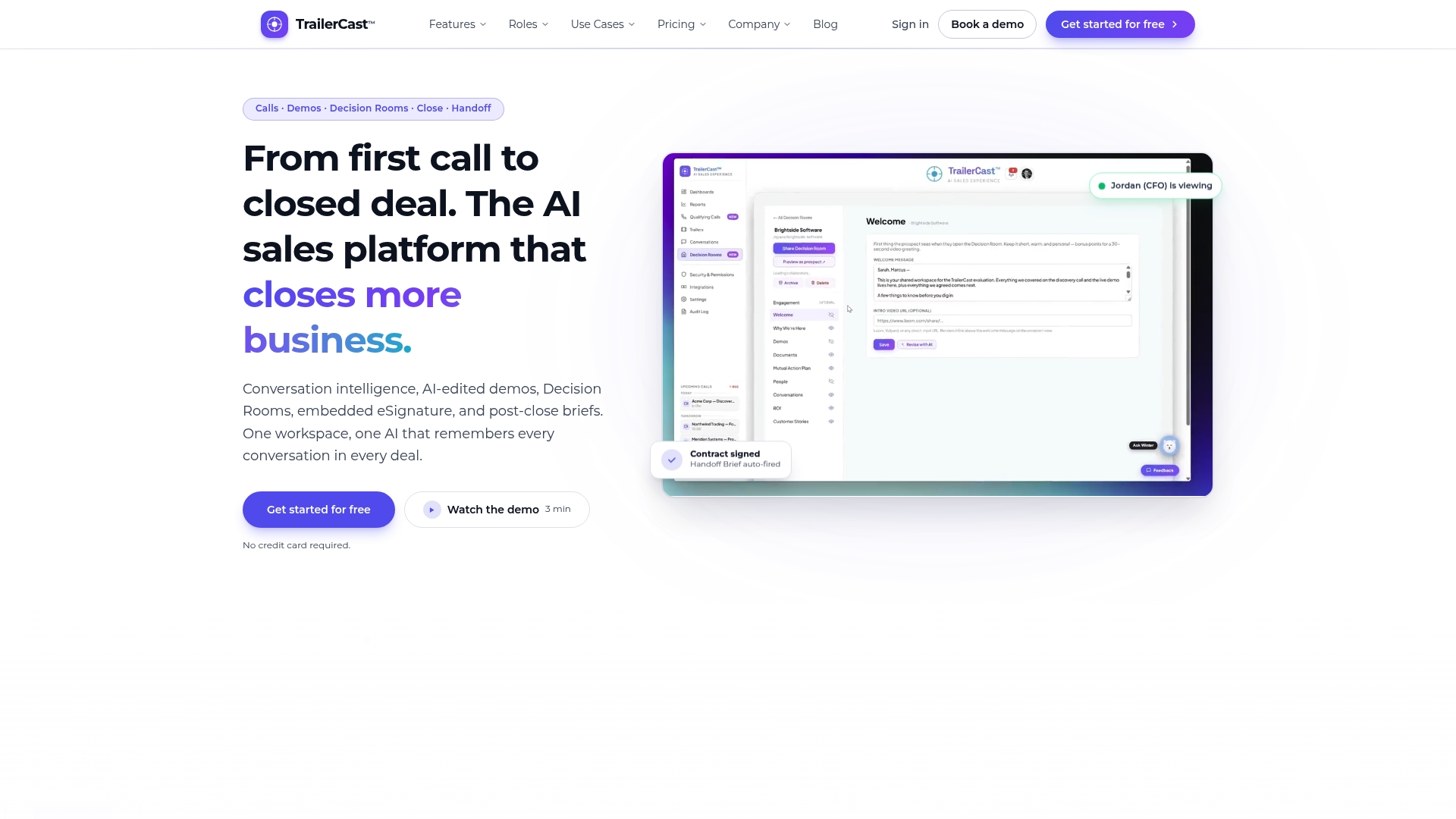
If your team is stitching together a recorder, a video tool, a signature app and a handoff doc today, see how the full deal cycle fits together or start from the TrailerCast home page.
FAQ
What is the difference between an e-signature and an e-signature workflow?
An e-signature is the act of signing electronically. The workflow is everything around it: creating the document, choosing signers and their order, sending, reminding, tracking, and storing the result. Most delays happen in the workflow, not the signature.
Are electronic signatures legally binding in the US?
Generally yes. Federal law says a signature or contract in interstate or foreign commerce can’t be denied validity solely because it’s electronic, and consumer transactions add consent and disclosure requirements. For a specific contract type or regulated industry, check with your attorney.
Should signers sign in sequence or at the same time?
Use sequence when one signature depends on another, such as customer legal approval before an executive countersignature. Use parallel routing when signatures are independent. When in doubt, sequence gives a cleaner record.
How often should I send signature reminders?
Automatic reminders every few days work well for most deals. Google’s eSignature, for example, sends them every three days for up to nine days or until the document is signed. Pair them with a personal message when a deal is time-sensitive.
Where should signed contracts be stored?
In a system of record your company controls, as a PDF with its audit trail, linked to the CRM account. You should be able to retrieve it without relying on a single vendor’s platform.
Sources
- What is an electronic signature workflow? | Adobe Acrobat
- The Electronic Signature Workflow | URBLD
- Send signature requests & sign documents with eSignature | Google Drive Help
- 8 electronic signature best practices to build into your workflow | TechTarget
- 15 U.S. Code § 7001, General rule of validity | Cornell Law School
- 49 CFR § 390.32, Electronic documents and signatures | Cornell Law School
- Best practices for building your e-signature workflow | OneSpan